I've been building Luttie, a browser-based color grading tool. A few weeks ago, I shipped an MCP server (endpoint at luttie.app/api/mcp) that lets Claude, Codex, or any other MCP-compatible agents call Luttie's most popular tools directly.
Here's why, a deeper explanation of what it does, and what I learned building it:
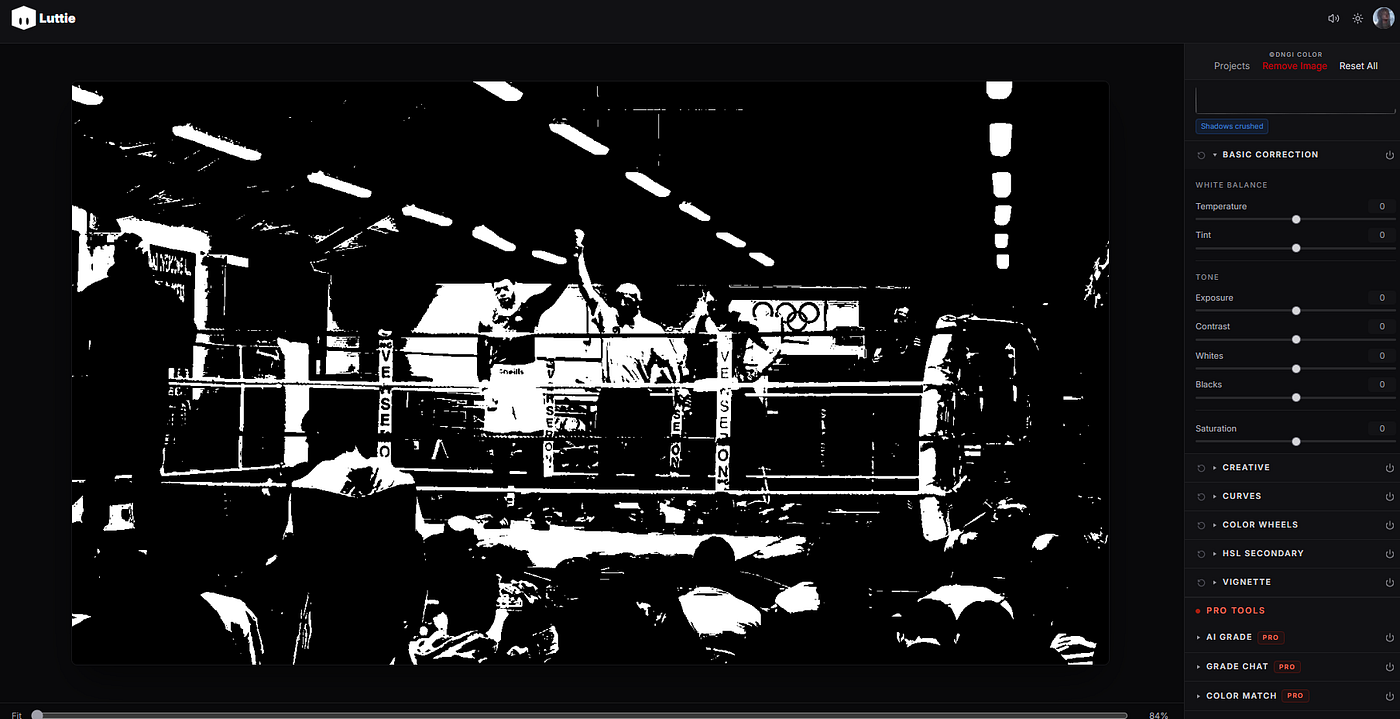
luttie web app
Why
The reason why is genuinely simple. I wanted to explore whether using agents could speed up color-grading workflows — not just for me, but for anyone else who might discover this and may be wondering the same thing (or anyone who finds this and happens to be curious).
MCP has matured to make this possible, and Luttie's core operations (a LUT library, color grading engine) mapped cleanly onto tools that the agent could call.
Yeah so basically I built it just to find out if I could.
Brief MCP explanation (for those who aren't tapped in)
MCP (Model Context Protocol) is an open standard that allows AI agents to call external tools mid-conversation. Instead of clicking through a UI on your own, the agent calls functions, gets structured data as a response, and keeps going until it's finished, or stopped. Luttie's server runs remotely, so all you need to do is add a URL and API Key to your client's MCP config, and the color-grading tools become available.
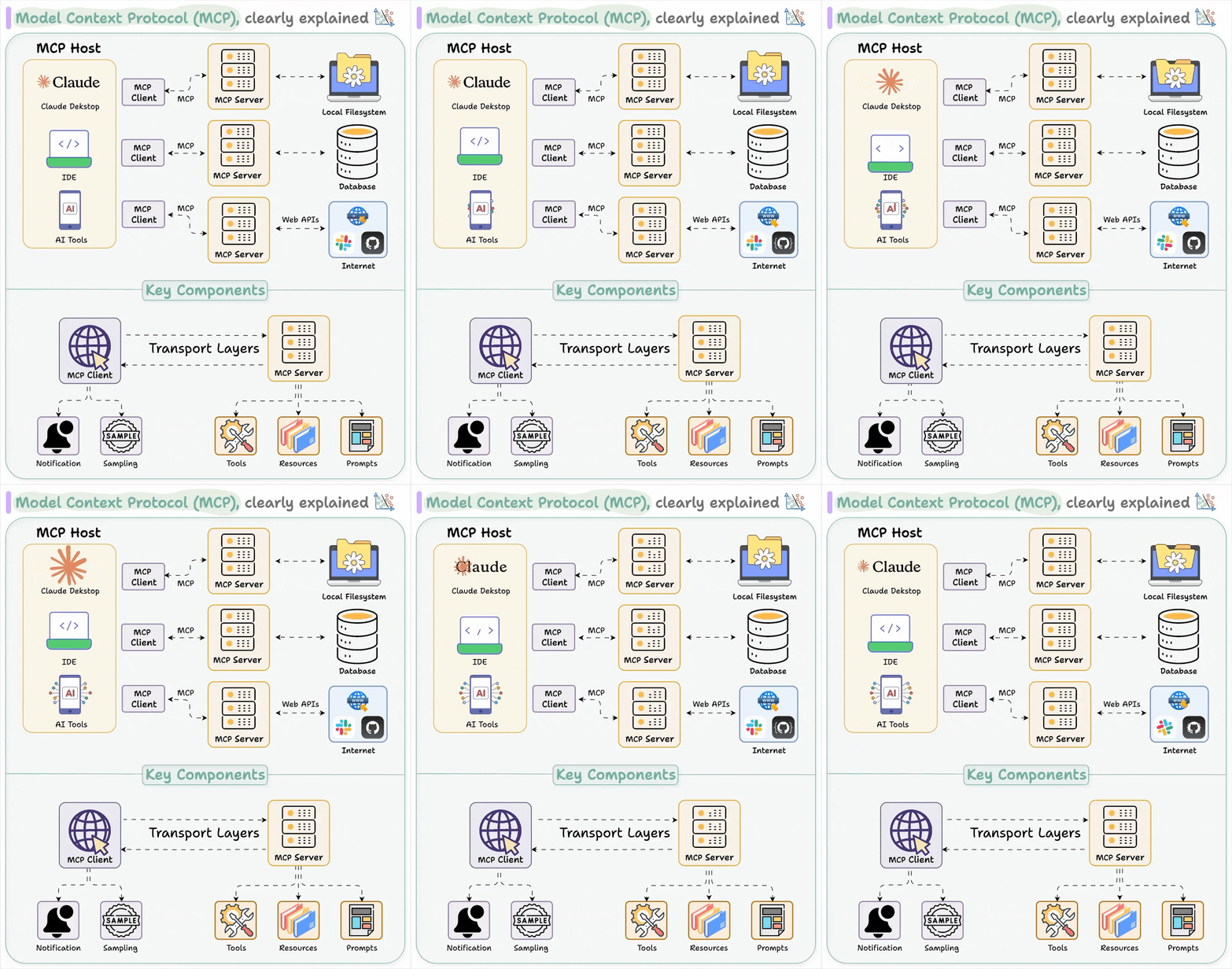
explanation of mcp (by daily dose of data science)
What Luttie MCP exposes
Luttie MCP provides 5 main tools:
list_luts— every published individual LUT/pack in the library, with slug, tags, and whether it's Pro-gated or not.get_lut— a LUT's metadata and raw.cubefile by slugai_grade— generates three color grading variants from a text description, optionally connected to a reference image. It uses the same model that is behind Luttie's AI Grade feature in the browser.apply_lut— applies a LUT to an image server-side and returns a graded PNG.account_status— tier and current hourly usage, sinceai_gradeandapply_lutare rate-limited. (20/hour and 60/hour respectively, tracked separately from the web editor).
I resisted the urge to expose all of Luttie's features to the MCP right now since I wanted to make sure everything works correctly first. Also agents don't need to have access to every small function, they just need to handle the functions that make sense as simple stateless calls.
What it looks like in practice
Inside your agent of choice, once the MCP server is connected you can describe the look you want e.g. "warm cinematic with teal shadows", and the agent will call ai_grade, return 3 variants and can then chain that into whatever else you want to do, whether that is naming files, writing a changelog, or doing a batch job across a folder of images. The possibilities are endless, as the agent-driven pipeline makes an isolated service into a piece of something larger.
A Surprise to Me
It did not take long to do (like at all lol). A large bulk of the MCP server revolves around calling endpoints that have existed in the project for a while, so it only took me an afternoon to get done. Other things like auth decisions took time too, but nothing worth discussing here.
Try It Now
Setup instructions, the full tool list, and config snippets for Claude Code, Claude Desktop and Codex CLI are available here. Free accounts can browse and apply free LUTs immediately. Pro features like AI grading need a subscription.

Photo by Darius Bashar on Unsplash
If you're building an MCP server for a creative tool, I'd genuinely like to get your insight/compare notes. So feel free to reach out on X or by email.